
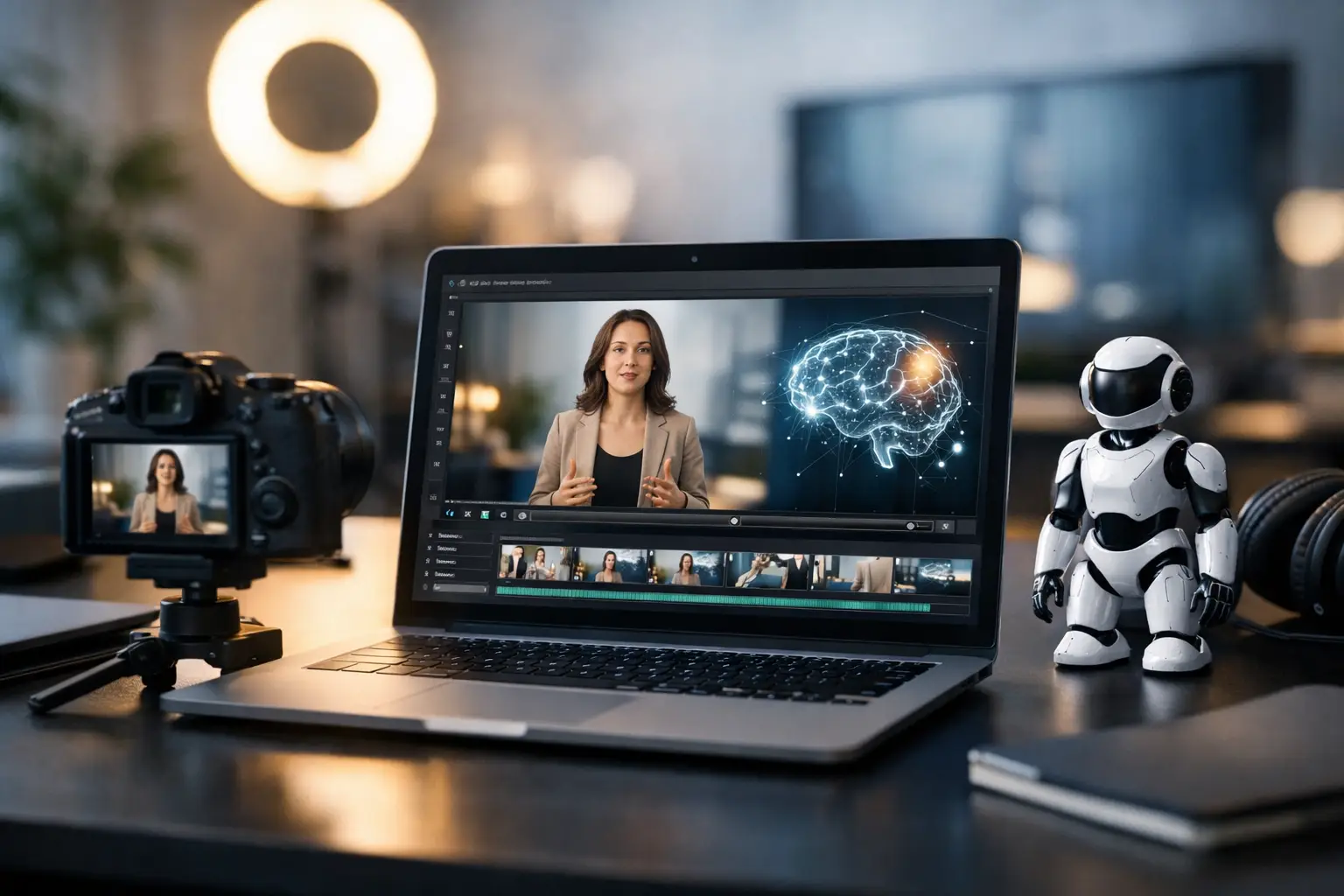
A single character image can become the starting point for a full content series - not just one animated clip. The right AI video generator helps you turn a topic, offer, story, or script idea into voiced scenes that are ready for TikTok, YouTube, and Facebook. The real advantage is not novelty. It is production capacity.
For creators and small teams, video has usually meant a stack of separate jobs: writing, recording or sourcing a voice, animating a character, editing clips, adding captions, exporting files, and publishing. That process is manageable once. It becomes a bottleneck when your channel needs three, five, or ten videos every week.
An AI video generator changes the workflow when it connects those steps into one repeatable episode system. You provide the character and direction. The platform builds the production path. You review the result, make targeted changes, and publish.
What an AI Video Generator Should Actually Do
Not every tool labeled an AI video generator solves the same problem. Some create a short visual from a text prompt. Others animate an avatar for a single talking-head message. Both can be useful, but they may leave you with the rest of the production work.
If your goal is consistent social output, look for a system that can produce an episode rather than only generate an isolated asset. An episode workflow starts with a written prompt and character image, then handles the script, scenes, voiceover, lip synchronization, editing, and final export. The result is a usable video built around your idea, not a collection of parts you still have to assemble.
That distinction matters for faceless channels, brand accounts, educational series, entertainment formats, and lead-generation content. These formats are rarely dependent on one perfect video. They depend on a recognizable concept that can be produced again next week.
A practical platform should also preserve control. Full automation is not helpful if every small revision forces a complete rerender. Scene-level editing gives you a better operating model: change the line, visual direction, or timing in the clip that needs work while leaving approved scenes alone.
Build Episodes, Not One-Off Clips
The strongest use case for AI video is a repeatable format. Start with one character identity and one clear audience promise. Your character might explain local real estate trends, tell short business stories, share parenting tips, review products, summarize industry news, or deliver fictional episodes. What matters is that viewers know what they are getting when the next post appears.
A basic prompt should establish the topic, audience, tone, and desired outcome. For example, a creator making financial education content might request a 45-second episode explaining one budgeting mistake for first-time professionals. A local service business might request a friendly video answering a common customer question. A media operator might request a suspenseful two-minute story with a recurring narrator.
The prompt does not need to be a screenplay. In fact, overloading it with production instructions can slow you down. Give the system enough direction to produce a useful first draft, then refine the scenes that affect clarity, pacing, or brand fit.
This is where recurring characters become valuable. A familiar character reduces the number of creative decisions required for every episode. You are not inventing a visual identity from scratch for each post. You are operating a format with a recognizable host, voice, and tone.
The Workflow That Removes Production Friction
A production system should move from idea to published video in a sequence that is easy to repeat. The operational flow is simple: create the episode, review the scenes, make focused edits, then distribute the finished video.
First, begin with a character image and a written episode prompt. The image establishes who is on screen. The prompt establishes what the episode needs to say and how it should feel. This removes the need to record yourself or hire on-camera talent for every piece of content.
Next, the system should generate a structured script and break it into scenes. Scene structure is more than an editing detail. It gives you a way to inspect the video before it becomes a finished file. If the hook is weak, the explanation drags, or the call to action feels too aggressive, you can address that specific section instead of rebuilding the entire project.
Then comes voice and character performance. AI voice generation can eliminate recording delays, but quality still depends on script quality. Short sentences, natural phrasing, and clear transitions usually produce better delivery than dense paragraphs. Lip synchronization adds the visual connection that turns a voiceover and character image into a presenter-led video.
Finally, export and publishing should fit the platforms where your audience already spends time. A video that looks good in a preview is not automatically ready for social distribution. You still need to consider vertical framing, hook speed, readable on-screen text, and whether the first few seconds make sense with sound off.
LipSync Studio is built around this episode model: one character image and prompt become editable scenes, AI-written scripts, ElevenLabs voiceovers, HeyGen lip synchronization, and social-ready videos from one desktop workflow.
Automation Does Not Replace Editorial Judgment
The fastest creators do not treat AI output as final by default. They treat it as a high-speed first production pass.
Your judgment still determines whether the opening earns attention, whether the message is credible, and whether the episode sounds like your brand. AI can produce volume, but volume without a clear editorial standard creates more content without necessarily creating more results.
Review the first scene closely. On short-form platforms, the opening needs a specific claim, question, contrast, or moment of tension. “Here are three tips” may be accurate, but it is often too weak to stop a scroll. “Most new agents lose leads before the first follow-up” gives viewers a reason to stay.
Check the script for generic language and unsupported claims. If you run a business account, make sure the advice reflects your actual service process. If you operate a media channel, verify facts and avoid presenting generated material as firsthand reporting. If you use a recurring character, keep the personality consistent across episodes.
Targeted scene edits are the practical answer. Fix what is wrong, preserve what is working, and keep production moving. That is faster than chasing a perfect prompt before you generate anything.
Choose the Right Content Volume
More output is useful only when it supports a real publishing plan. A new creator may get better results from three strong weekly videos than from posting multiple rushed clips every day. A mature channel with proven formats may be able to publish much more often because its hooks, characters, and topics have already been tested.
Start by creating a small batch around one theme. Make five episodes that answer related questions, explore one recurring story format, or address five common customer objections. Publishing a batch gives you comparable results. You can see which hooks hold attention, which topics generate comments, and which calls to action produce clicks or inquiries.
Use those signals to guide the next batch. Keep the character and format stable long enough to learn from the data. Change one major variable at a time, such as the opening line, topic angle, episode length, or call to action. If everything changes at once, you will not know what improved performance.
There is also a practical cost question. A stack of separate AI writing, voice, avatar, editing, and scheduling tools can make sense if you need highly specialized control at each stage. It can also add subscriptions, file transfers, failed exports, and more time spent managing the stack. An end-to-end system is usually a better fit when speed and repeatability are the priority.
Make Your First Episode Useful
Your first goal is not to prove that AI can make a video. Your goal is to publish a video your audience would choose to watch.
Pick a topic with a clear viewer benefit. Give your character a defined role. Keep the script focused on one idea. Review the scenes that shape the hook and the ending, then publish where your audience is already active. After that, make the next episode before you overanalyze the first one.
A reliable AI video generator gives you a production engine. The advantage comes from using that engine to build a consistent series, improve it with real audience feedback, and keep showing up with content that has a reason to exist.