
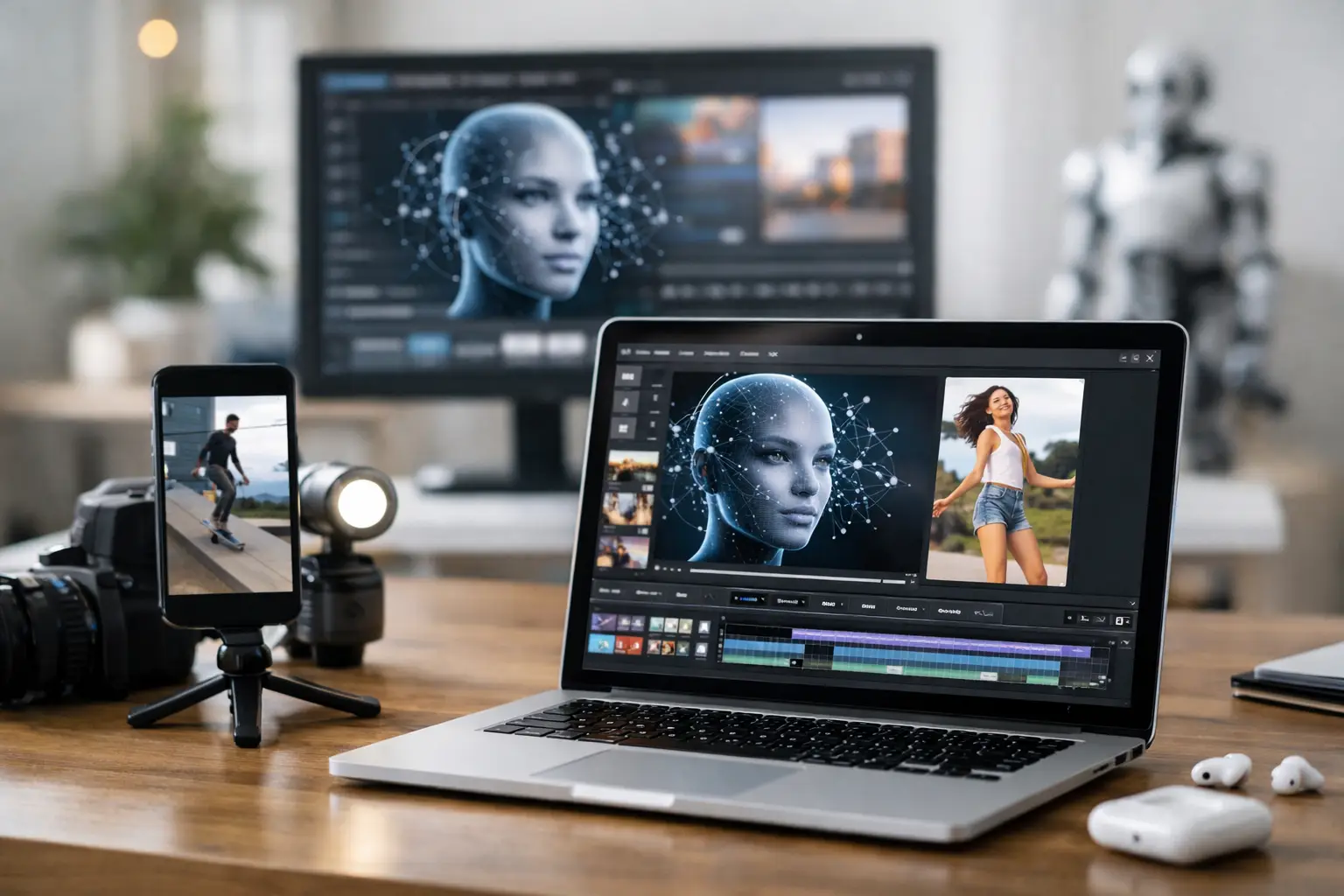
A YouTube Shorts channel can lose momentum fast when every 30-second video requires a script, a voice, an animated character, editing, captions, and an upload. An AI video maker for YouTube Shorts changes that production math. Instead of rebuilding the process for every post, you can turn a character image and episode prompt into a repeatable content workflow.
That matters for faceless channel operators, marketers, and creators who need more output without hiring a full production team. The goal is not to generate random clips. The goal is to create recognizable episodes people can identify in the Shorts feed, then publish consistently enough to learn what earns views and retention.
What an AI Video Maker for YouTube Shorts Should Do
A basic AI video tool can create a talking avatar. That is useful for a one-off announcement, but it is not enough for a channel built around regular publishing. Shorts creators need a system that carries an idea from prompt to finished video while leaving room to fix the parts that are not working.
The right workflow starts with a single, consistent character image. That character becomes the visual anchor for your channel. Add a written prompt such as a quick business lesson, a relationship story, a product explainer, or a recurring comedy setup. The software should turn that direction into a script, divide it into scenes, generate a voiceover, synchronize the character's lip movements, and prepare the video for the platform.
Just as important, it should not force you to remake the entire video because one line lands flat. Scene-level editing is the practical difference between automation you can use every day and automation that creates more cleanup work. You need to change the affected clip, not start the episode again.
Build Episodes, Not Isolated Videos
YouTube Shorts rewards clarity before complexity. Viewers decide within seconds whether to keep watching, so each episode needs one immediate idea, a recognizable delivery style, and a reason to stay until the final frame.
Start by defining a format you can repeat. A finance creator might use a character who explains one costly money mistake per episode. A local business could run short customer myth-busters. A media publisher might build a fictional host who tells two-part stories. The subject can change, but the character, pacing, opening structure, and visual identity should remain familiar.
This is where an episode-based AI workflow is more useful than a generic video generator. It gives every prompt a job inside a larger publishing operation. Rather than asking, what should I make today, you can ask, what is the next episode in the series?
A reliable Short usually has three jobs. The opening creates tension or curiosity. The middle delivers a clear payoff quickly. The ending gives the viewer a reason to comment, watch another episode, or rethink the claim they just heard. Do not bury the premise under a long introduction. If the point is that most businesses mishandle customer follow-up, say that in the first line.
A Practical Production Workflow
The fastest path is to reduce your decisions before you generate anything. Choose a channel topic, a recurring character, and two or three episode templates. Then write prompts that specify the audience, point of view, desired length, tone, and the one outcome the viewer should take away.
For example, a prompt for a marketing channel could ask for a 35-second script in a direct, skeptical tone explaining why a weak call to action costs leads. It should request a sharp first sentence, one concrete example, and a final line that invites a response. That gives the script generator useful constraints instead of a vague topic.
Once the script is created, review it before rendering. AI can move quickly, but speed does not replace editorial judgment. Remove filler, shorten sentences that sound unnatural out loud, and verify claims that could affect your credibility. For regulated fields, health, financial, or legal content, use a human review process before publishing.
Next, generate the voice and lip-synced scenes. Voice choice affects retention more than many creators expect. A fast-paced entertainment channel may need more energy, while a professional services channel may benefit from a measured, conversational delivery. The best voice is not always the most dramatic one. It is the one that fits the character and makes the next line easy to hear.
After rendering, review the episode like a viewer scrolling on a phone. Check the first two seconds, audio clarity, pacing, and whether the character's delivery matches the words. If one scene feels too slow or a line needs more punch, revise that scene only. Targeted edits protect your production speed while keeping control in your hands.
Why Scene-Level Control Matters
Fully automated video can sound attractive until a single problem appears halfway through a 10-scene episode. Maybe the hook is strong but the third scene repeats the same point. Maybe the call to action is too sales-heavy. Maybe a voice line needs a different emphasis.
A workflow that regenerates the full video for every correction wastes time and can introduce new inconsistencies. Scene-level AI chat editing lets you direct the change where it belongs. Ask for a tighter line, a different explanation, or a revised scene, then keep the clips that already work.
That control also makes testing realistic. You can produce two versions of an opening hook without rebuilding the entire episode. For Shorts, this is valuable because small changes in the first sentence can materially change whether viewers stay. Test a bold claim against a question, or a surprising fact against a direct problem statement, while preserving the rest of the video.
From Prompt to Published Short
LipSync Studio is built around this production model: one character image in, an episode out. Its Windows desktop software writes scripts, creates voiceovers through ElevenLabs, renders character lip synchronization through HeyGen, and prepares finished content for TikTok, YouTube, and Facebook.
The process is direct. Download the software, activate your license, and create from your character image and prompt. Episodes are editable at the scene level, so creators can request changes to individual clips instead of rerunning a full production. That is a better fit for channels that publish frequently and need to preserve a consistent character across multiple videos.
For creators who want predictable operating costs, the subscription is $47 per month with unlimited episode generation and instant licensing. Licensing is one device per activation. That rule is simple: plan the device you will use for production, and do not treat one license as a shared studio account across multiple machines.
Automation does not remove the need for a content plan. It removes the disconnected-tool problem. When writing, voice generation, lip sync, editing, and distribution are handled as one workflow, you can spend more of your time on the decisions that actually shape channel growth: topics, hooks, formats, and feedback from viewers.
Keep Shorts Production Focused
More videos are not automatically better videos. A channel can publish daily and still stall if every Short starts slowly or feels unrelated to the last one. Use automation to increase the number of strong experiments, not the volume of unreviewed content.
Track which subjects earn the most watch time, comments, and repeat views. If a character-led format performs, create follow-ups before moving to a new theme. If viewers drop before the main point, shorten the setup in the next script. These signals tell you what your production system should create more often.
An AI video maker for YouTube Shorts is most valuable when it helps you operate like a publisher. Give your character a clear role, make each prompt serve a repeatable series, and keep every scene editable enough to improve after review. The next Short does not need a bigger production process. It needs a sharper idea and a workflow ready to turn it into an episode.