
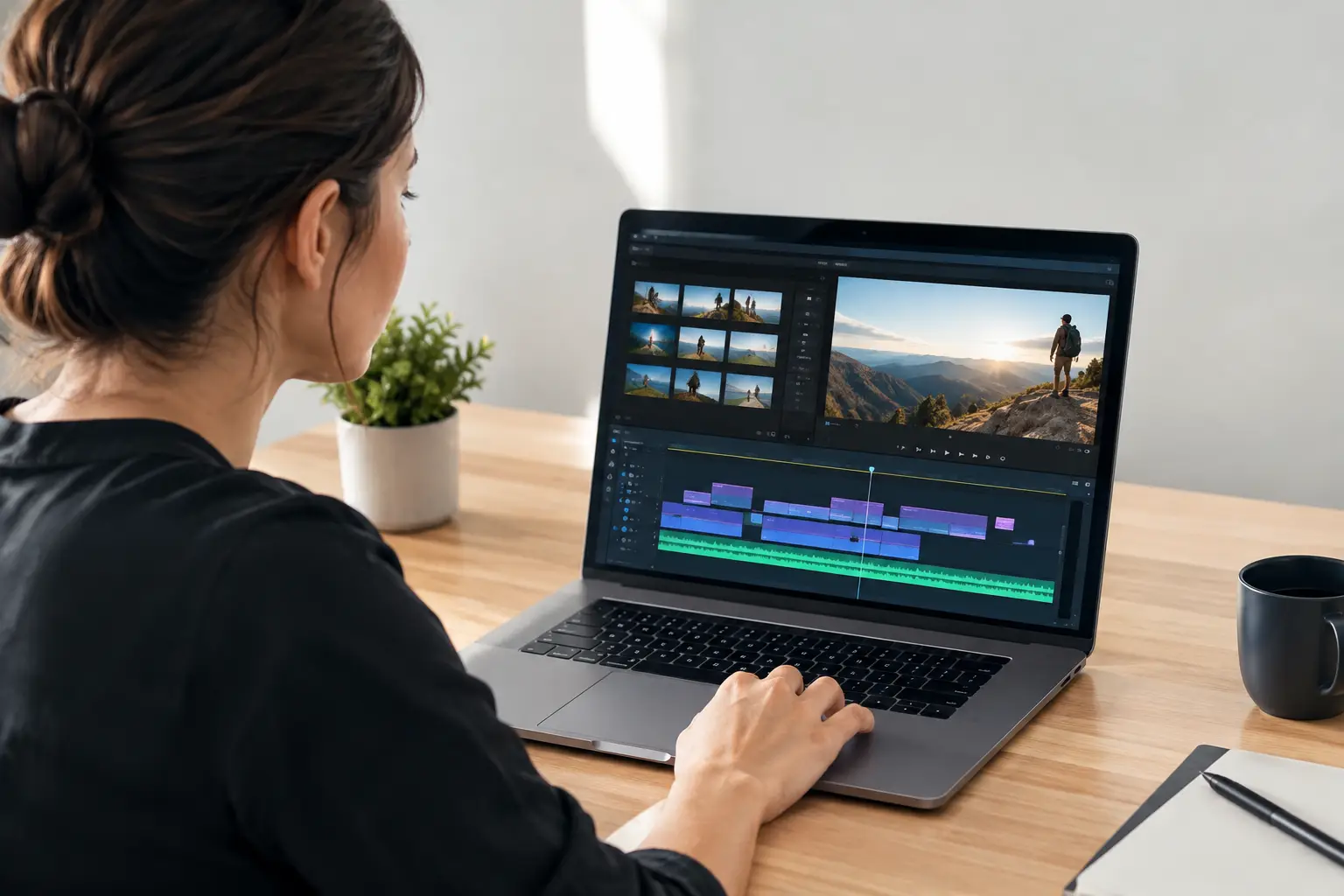
A generated video is only useful if you can change the parts that miss the mark. So, are AI scenes editable? Yes - when the production system treats an episode as a sequence of separate clips rather than one finished file. That distinction determines whether a revision takes a few minutes or forces you to generate the entire video again.
For creators publishing frequently, editability is not a bonus feature. It is what makes AI video practical for client work, content series, product promotions, and social channels where a script, hook, offer, or call to action can change at any time.
What “Editable” Means in AI Video
AI video platforms use the word editable in different ways. Sometimes it means you can trim a finished video, replace captions, or add music. Those are useful post-production controls, but they do not change the generated scene itself.
True scene-level editability means an episode is broken into individual clips. Each clip has its own script line, voiceover, visual direction, character performance, and timing. You can target one clip, tell the AI what needs to change, and regenerate that clip while keeping the rest of the episode intact.
That matters when scene three has the wrong tone, but scenes one, two, four, and five are ready to publish. A scene-based workflow lets you revise scene three without risking the approved material around it.
Are AI Scenes Editable After Generation?
They can be, but the answer depends on how the platform creates and stores the project. If it exports a single flattened video immediately, your control is limited to conventional editing: cuts, overlays, text, color adjustments, and audio changes. You cannot reliably ask it to rewrite one spoken line or create a new character performance inside that rendered file.
If the platform preserves individual scene assets, you have more useful options. You can revise a line of dialogue, adjust a scene prompt, change pacing, replace a voiceover, or regenerate a clip that does not fit the episode. The system then renders the updated scene and places it back into the sequence.
This is the difference between editing a video and editing a production plan. Both have value, but only the second approach supports repeatable AI episode creation at scale.
Changes That Usually Work Well
Scene-level AI editing is strongest when the requested change is specific. A clear instruction gives the generation system a defined job and reduces unnecessary changes elsewhere.
You can typically revise a weak opening hook, shorten a long explanation, switch an outdated offer, correct a product name, change a call to action, or make a scene more energetic. You can also adjust the wording to better match your audience, such as shifting from broad entertainment language to a more direct lead-generation message.
For character-led videos, a targeted revision can also improve performance direction. You might ask for a more confident delivery, a calmer response, a faster-paced line, or a reaction that better fits the script. When voice, lip sync, and scene generation are connected, the revised clip can be rebuilt around the updated line instead of manually patched together in separate tools.
Changes That May Require More Than One Scene
Not every edit belongs in one clip. If you change the main promise in the first scene, later scenes may reference that promise. If you replace a product, the visual language, examples, and final call to action may all need updates.
Continuity is the trade-off. Replacing one scene is fast, but a meaningful change to the story may require reviewing adjacent scenes for repeated wording, mismatched timing, or visual inconsistencies. The best workflow makes the individual edit easy while giving you enough visibility to check the episode as a whole.
Why Clip-Level Editing Matters for Short-Form Content
TikTok, YouTube, and Facebook content moves quickly. A hook that sounded strong on Monday may need a new angle after you review comments, test audience retention, or update an offer on Wednesday. Rebuilding an entire episode for one sentence slows output and wastes generations.
Clip-level editing supports a more efficient production cycle. Generate an episode, review the scenes, revise only what needs attention, then publish. That process keeps creators focused on decisions that affect performance instead of repetitive assembly work.
It also makes testing more realistic. You can create two versions of the first scene with different hooks while leaving the rest of the episode unchanged. That gives you a cleaner comparison than producing two completely different videos with multiple variables changing at once.
For agencies and small teams, scene-level changes protect approved work. If a client asks to update a deadline or insert a local offer, the editor can revise the affected clip instead of reopening a complex project timeline. Faster revisions mean more capacity without adding a full production team.
How to Edit an AI Scene Without Rebuilding the Episode
Start by identifying the exact scene and the actual problem. “Make it better” is too broad. “Replace the first sentence with a stronger curiosity hook and keep the tone conversational” gives the system a usable instruction.
Next, decide whether the edit is script, voice, visual, or pacing related. Script changes often require a new voiceover and lip-synced performance. A visual change may require a new scene prompt. A pacing issue may only need shorter copy or a tighter scene duration. Treating each problem correctly prevents unnecessary regeneration.
After the revised clip renders, review it in context. Watch the transition from the prior scene into the new one, then watch the scene that follows. Listen for voice consistency, check that the character delivery matches the message, and confirm that captions and timing still support the point.
Finally, publish only when the episode still feels intentional from first hook to final action. A clean individual clip is not enough if the revised line repeats information, disrupts the narrative, or weakens the ending.
What AI Scene Editing Cannot Guarantee
Editable does not mean every generation will be perfect on the first revision. AI-generated visuals can vary, especially when prompts are vague or ask for complicated actions, crowded environments, or exact brand details. The more precise your scene direction, the more predictable the result tends to be.
A scene edit also cannot automatically solve strategy problems. If an episode has no clear audience, weak offer, or generic hook, regenerating clips will not turn it into high-performing content. AI accelerates production. It still needs a clear message to produce useful work.
There are technical limits as well. A major rewrite can alter the rhythm of the voiceover and require changes to nearby scenes. A character image may work well for direct-to-camera delivery but be less suitable for elaborate movement. Use scene editing for targeted creative control, not as a substitute for planning the episode structure.
A Better Standard for Editable AI Video
The question is not simply whether you can alter a generated file. Ask whether you can change the scene that is wrong without losing the work that is right.
LipSync Studio is built around that operational need: generate an episode from a character image and prompt, then use scene-level AI chat editing to change only the affected clips. The workflow keeps writing, voice generation, lip synchronization, rendering, and publishing connected while preserving room for targeted revisions.
For creators who publish consistently, that control changes the economics of video production. One strong episode can be refined, tested, repurposed, and updated instead of discarded because one scene needs work. Build your next video in scenes, give every clip a clear job, and make revisions where they create the most impact.