
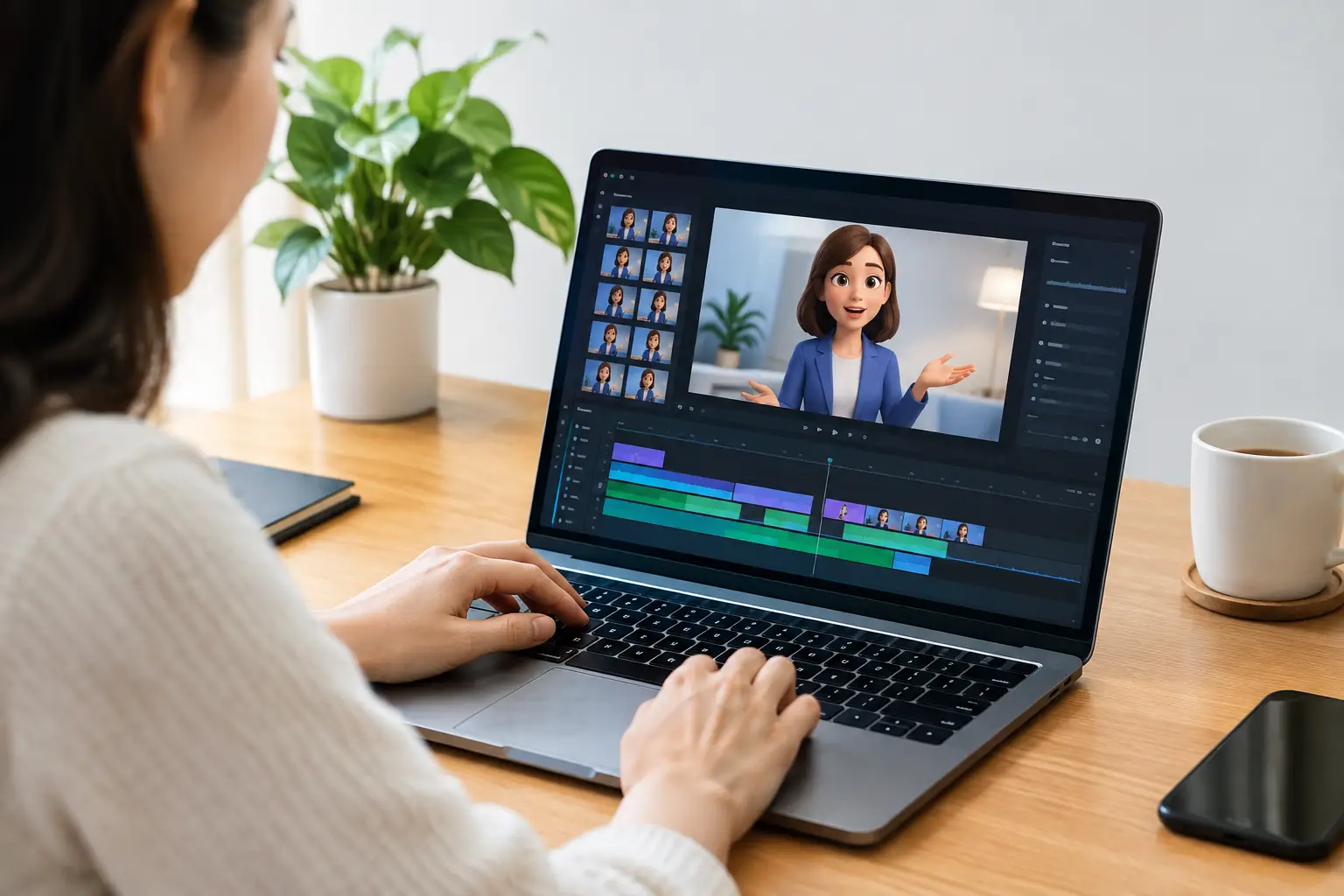
A character video editor is not just a tool for making an avatar talk. For creators who need to publish every week, it is the production layer between a character image and a finished episode. The difference matters. A single animated clip may earn a few views. A repeatable system can support a channel, a campaign, a product story, or a content business.
The real bottleneck is rarely the character image. It is the chain of work that follows: deciding what the character should say, writing the scene, generating a voice, matching the mouth movement, editing the video, then preparing it for each platform. When those steps live in separate tools, even a simple 30-second video becomes a project.
A better approach is to treat character-led video as an episode workflow. Start with the same recognizable character, give it a clear role, and produce variations quickly without losing control of individual scenes.
What a Character Video Editor Should Actually Do
Many tools can animate a face. That is useful for a one-off announcement, but it does not automatically solve the publishing problem. A practical character video editor should help you move from an idea to a completed, platform-ready video without requiring a separate scriptwriter, voice tool, animation app, and editing timeline.
That means the workflow needs to cover more than lip movement. It should create or assist with the script, generate voiceover, render lip synchronization, organize the result into scenes, and let you revise the part that needs work. If scene three is too long, you should not have to rebuild scenes one and two. If the opening hook misses the point, you should be able to change the opening clip directly.
This scene-level control is where automation becomes usable. Full regeneration is fast only when the original output is perfect. In real content production, it usually is not. A strong workflow gives you speed for the first draft and targeted editing for the second.
Start With a Character Built for Recognition
Your image does not need to look like a movie character. It needs to be consistent and usable. A clean, front-facing or slightly angled character image generally gives lip-sync technology a clearer base to work from. Avoid images with hands covering the face, extreme shadows, crowded backgrounds, or tiny facial features.
More importantly, decide what the character represents before you generate an episode. A financial educator, sarcastic office manager, neighborhood realtor, fictional news anchor, product expert, or animated mascot each needs a different voice and writing style. The character should have a defined point of view. Otherwise, every video will sound like a generic prompt with a face attached.
Consistency also helps your audience recognize the content before they read the caption. Reusing a primary character, voice style, visual setting, and opening format makes a series easier to produce and easier to remember. You can introduce secondary characters later, but a new channel often benefits from one clear on-screen identity.
Build Episodes Around One Clear Outcome
Short-form videos work best when each episode has one job. Teach one idea. Answer one question. Deliver one joke. Challenge one common assumption. Trying to fit a full guide, a pitch, and a call to action into 45 seconds usually produces a script that feels rushed.
Give the episode prompt a usable structure. State who the character is, who it is speaking to, the topic, the desired tone, and the result you want from the viewer. For example, a local business owner might ask for a confident character-led video explaining one mistake customers make before booking a service. A faceless channel operator might request a fast, slightly skeptical explainer about a trending business topic.
The prompt should also establish boundaries. Say whether the character should be educational, funny, direct, calm, or promotional. Mention words, claims, or subjects to avoid. If a video needs to fit a specific brand, include the offer and the audience pain point rather than relying on vague instructions like “make it engaging.”
A good episode script earns attention early, develops one useful thought, and lands cleanly. The first line needs tension, curiosity, or a recognizable problem. The middle should prove the point without wandering. The ending should provide a next action or a satisfying final statement. Not every video needs a hard sell. For audience growth, a useful close can be as simple as a question that makes the next episode feel relevant.
Generate First, Then Edit the Scene That Changed
AI-generated video is most effective when you treat the first version as a production draft, not a finished creative decision. Watch it once for pacing, once for accuracy, and once with sound off. The silent review catches visual issues and awkward scene changes. The audio review catches stiff phrasing, incorrect emphasis, and moments where the voice does not match the character.
When a scene fails, identify why before changing it. A weak hook needs a stronger line, not necessarily a different voice. An overlong explanation needs tighter copy, not more visual effects. A scene that feels flat may need a different tone or a clearer instruction in the prompt.
This is why targeted clip changes matter. Revising only the affected scene protects the parts that already work and keeps production moving. It also makes experimentation practical. You can test a more direct opening, a shorter explanation, or a different call to action without turning a small edit into a full rebuild.
LipSync Studio is designed around that operational model: one character image and an episode prompt create editable scenes, with script generation, ElevenLabs voiceovers, HeyGen lip synchronization, and direct social publishing in one desktop workflow.
Match the Episode to the Platform
The core idea can remain the same across TikTok, YouTube, and Facebook, but the packaging should reflect how people use each platform. TikTok rewards a quick start and clear personality. YouTube Shorts can support slightly more context when the topic has strong search or educational value. Facebook often performs better when the video is immediately understandable for a broader audience scrolling without context.
Do not assume one export solves every publishing need. The right caption, opening frame, length, and call to action depend on the audience and channel goal. A creator building entertainment reach may prioritize comments and repeat viewers. A service business may prioritize clarity, local relevance, and a simple path to inquire. A marketing team may need videos that match a campaign message across multiple accounts.
Direct publishing saves time, but it does not replace editorial judgment. Review the video before it goes live, especially if it includes time-sensitive facts, business claims, regulated subjects, or branded language. Automation can speed up the work. You are still responsible for the message.
Where Character Video Has the Strongest Use Cases
Character-led episodes are especially useful when the format benefits from repetition. Explainer channels can give one character a recognizable teaching voice. Small businesses can turn common customer questions into a practical video series. Social media managers can create recurring campaign content without scheduling a full shoot. Independent publishers can build fictional hosts, recurring commentators, or themed educational series.
It is less useful when the audience expects live footage, product demonstrations, or personal trust built through a real founder on camera. In those cases, a character video can support the content mix rather than replace it. Use it for FAQs, reminders, story-led promos, recaps, and high-volume educational content while reserving live video for moments where authenticity depends on the real person or real product.
The strongest results come from choosing the format for the job. An AI character is not a substitute for every type of video. It is a way to produce certain types of video faster, more consistently, and with less operational overhead.
Turn Output Into a Publishing Habit
The goal is not to generate the maximum number of videos in a day. The goal is to establish a cadence your audience can recognize and your team can maintain. Start with a small series concept, such as three weekly customer myths, daily industry takes, or a recurring character response to audience questions. After several episodes, review what held attention, what earned comments, and what led viewers to take action.
Keep the winning structure and change one variable at a time. Test the opening line, topic angle, character delivery, or ending. If everything changes at once, you will not know what improved the result. Consistent production creates the feedback loop that makes the next batch better.
A character video editor earns its place when it removes setup work without removing your judgment. Give your character a job, give each episode one purpose, and keep revisions focused. The next publishable idea should be a prompt away, not another production day away.